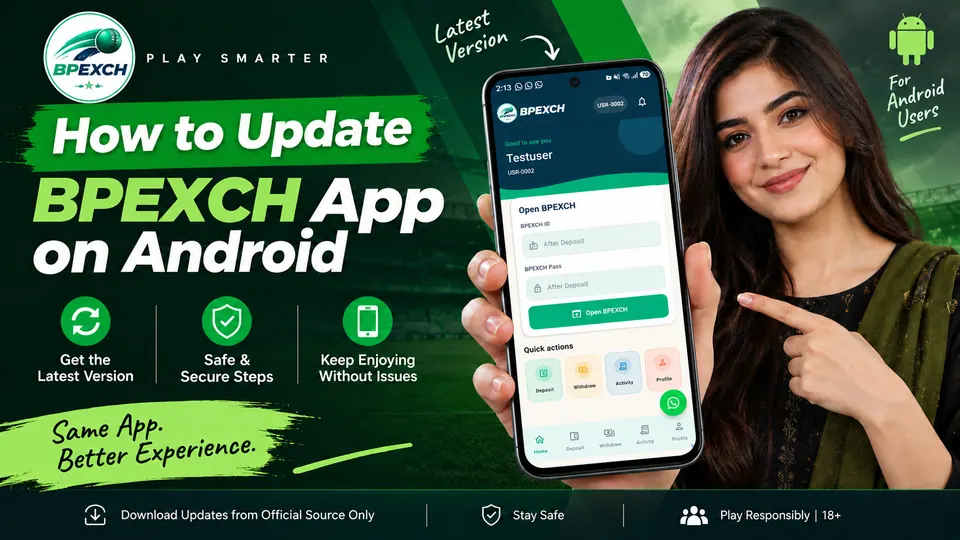
Keeping the BetPro PK app updated helps ensure that you are using the current version available for your Android device. If you originally installed BetPro PK using an APK file rather than through Google Play, the update process may be different from simply tapping an Update button in the Play Store.
In most cases, updating an APK-installed Android app means downloading the newer BetPro APK from the same trusted source and installing it over the existing version. Android checks important details before accepting an APK as an update, including the application's identity, signing certificate, and version information.
This guide explains how a BetPro app update works, what to check before updating, how to install a newer APK, and what to do if Android displays an error such as “App not installed.”
Important: Download BetPro PK updates only from the download source you normally trust for the app. Avoid APK files shared through unknown websites, messages, social-media accounts, or unofficial download links.
1. How BetPro PK APK Updates Work
An APK is the Android application package used to install an app on an Android device. When you install a newer APK over an existing app, Android does not simply replace any application with the same name.
Android performs several checks to determine whether the new APK qualifies as an update to the installed application.
According to Android's documentation, an update normally needs to have the same application ID, a matching signing certificate (or valid signing-key rotation), and an acceptable version code relative to the installed version.
This signing check is particularly important. Android uses application signing as part of its security model so that an unrelated APK cannot simply present itself as an update to an app already installed on your phone.
For a typical BetPro APK update, the process therefore looks like this:
Existing BetPro PK installation → Download current APK → Open APK → Android verifies update compatibility → Install update
If the APK satisfies Android's requirements, the device can generally update the existing application rather than creating a second copy.
If Android determines that the APK does not match the existing installation, the update may be rejected.
2. Before Updating BetPro PK
Before installing a newer BetPro PK APK, spend a minute checking your device and the file you are about to use.
Make sure you have enough storage
An Android device needs sufficient free storage to process and install an application update. If your storage is nearly full, clear unnecessary files or applications before attempting the update.
Use a stable internet connection
An interrupted download can leave you with an incomplete APK. If possible, use a stable Wi-Fi or mobile-data connection and allow the download to finish completely before opening the file.
Use the intended BetPro PK download source
Do not search randomly for an APK simply because its filename contains “BetPro.”
An APK hosted by an unrelated third party may be outdated, modified, or may not be the same application you already have installed.
For the BetPro PK website, use the site's official download page when you need the current APK:
Don't disable Android security features unnecessarily
Google Play Protect checks applications from Google Play as well as applications obtained from other sources. Google recommends keeping Play Protect enabled.
If Android or Play Protect presents a security warning, read it rather than automatically disabling security protections just to complete an installation.
3. How to Update BetPro PK App on Android
If you already have BetPro PK installed, use the following procedure to attempt an update.
Step 1: Open the BetPro PK download page
On your Android device, visit:
Use the current download option provided there rather than an old APK saved in a messaging app or another website.
Step 2: Download the current BetPro APK
Start the APK download and wait until it finishes.
Depending on your browser and Android version, you may see the download in your notification panel or under your browser's Downloads section.
Step 3: Open the downloaded APK
Tap the completed APK download.
Android should open the package installer.
If your browser or file manager is not currently permitted to install applications from that source, Android may ask you to review the relevant installation permission.
The exact wording and location of these controls can differ between Android versions and phone manufacturers.
Step 4: Confirm the update
If Android recognizes the APK as an update to your existing BetPro PK installation, follow the installation prompt displayed on your phone.
Do not uninstall the existing app first unless there is a specific reason to do so.
Step 5: Wait for installation to finish
Allow Android to complete the process.
Avoid deleting or moving the downloaded APK while installation is taking place.
Step 6: Open BetPro PK
Once installation completes, open the app normally.
Check that the app launches successfully before deleting the downloaded APK from your Downloads folder.
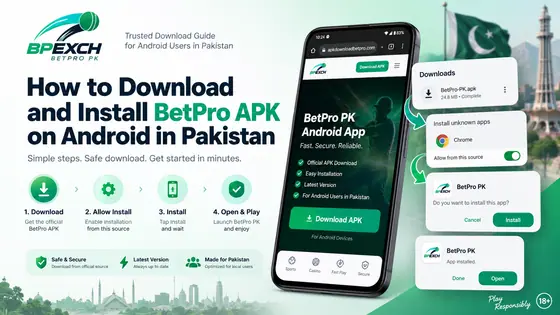
If this is your first installation rather than an update, see our complete How to Download and Install BetPro APK on Android in Pakistan guide.
4. Can You Update Without Uninstalling the Existing App?
Yes, provided Android recognizes the new APK as a valid update to the application already installed.
This is normally the preferred approach.
Android requires an update to match the installed application's identity and signing requirements. The signing certificate is especially significant because Android compares the certificates when determining whether a new package can update an existing application.
Therefore, don't automatically uninstall BetPro PK every time a new APK becomes available.
Try installing the current APK over your existing installation first.
If Android accepts it, you can complete the update directly.
If it refuses the update, investigate the reason before deleting the existing application.
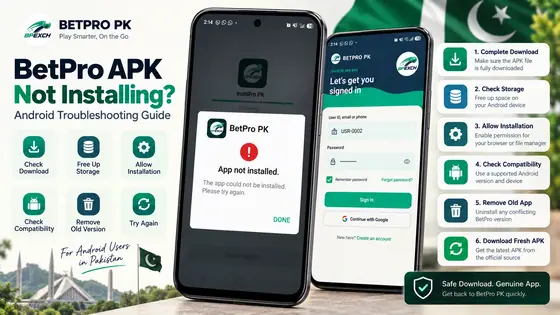
5. What If Android Says “App Not Installed”?
“App not installed” is a general Android installation failure message. It does not by itself identify one specific problem.
If you encounter it during a BetPro APK update, start with the basic checks.
Make sure:
- the APK finished downloading completely;
- your device has sufficient free storage;
- you are using the intended APK;
- the file isn't an old or incomplete download;
- Android permits installation from the app you used to open the APK;
- there isn't a conflicting BetPro PK installation on the device.
You can also delete the failed download and obtain a fresh copy from the BetPro PK download page.
For a more detailed diagnosis, use our dedicated guide:
BetPro APK Not Installing? Android Troubleshooting Guide
That article should be your next step rather than repeatedly attempting the same failed APK installation.
6. What If the New APK Won't Install Over the Old Version?
If a new APK downloads successfully but Android refuses to install it over the existing application, the problem can be related to update compatibility.
Android's update model requires the update to correspond to the installed application's application ID and signing certificate, with appropriate version information.
This is why two APK files that appear to have the same app name are not necessarily interchangeable.
For example, a file obtained from another website could have been built or signed differently. Android may then refuse to treat it as an update to the copy already installed.
Try these checks before uninstalling anything:
- Delete the newly downloaded APK.
- Restart your Android device.
- Return to the intended BetPro PK download page.
- Download a fresh copy.
- Confirm the download finishes completely.
- Try the update again.
If the same installation conflict remains, do not attempt to bypass Android's package-verification mechanisms.
An incompatible signing certificate is particularly important: Android's documentation explains that an application update normally needs to match the installed app's signing certificate.
7. Do You Need to Delete the Old BetPro PK App?
Normally, you should try updating without uninstalling first.
Uninstalling should not be the first troubleshooting step because removing an Android application can remove locally stored application data from the device. Android specifically notes that uninstalling an existing app to install an otherwise incompatible package erases that app's data from the device.
If a normal update works, there is no reason to remove the old installation first.
Consider uninstalling only after:
- confirming that you have the intended current APK;
- trying a fresh download;
- restarting the device;
- checking available storage;
- reviewing the installation error;
- and determining that an in-place update cannot be completed.
Before uninstalling, make sure you know the credentials or recovery information needed to access your account again.
8. Will Updating Affect Your BetPro ID/Login?
A normal Android application update is designed to update the installed application rather than uninstall it first.
However, you should not rely on an assumption that every local setting or login session will always remain unchanged.
Before updating, make sure you know the credentials associated with your BetPro ID and have access to any account-recovery method you may need.
After completing the update, one of two things may happen:
Already signed in: Open the app and continue normally.
Asked to sign in: Use your existing BetPro ID/account credentials rather than creating another account merely because the application was updated.
If you are having a separate installation problem, refer to the BetPro APK troubleshooting guide before uninstalling the application.
9. How to Check You're Using the Intended BetPro Download Source
APK updates deserve the same care as initial installations.
A filename alone is not proof that an APK came from the intended publisher or distribution source.
Avoid downloading a BetPro app update from:
- unknown APK mirror websites;
- links sent by unknown accounts;
- random social-media comments;
- shortened links whose destination you cannot identify;
- modified or “premium/unlocked” APK claims;
- files forwarded through messaging groups without a verifiable source.
For this site, start from:
https://apkdownloadbetpro.com/
and use its Download section when obtaining BetPro PK.
Android's security model requires APKs to be digitally signed, and signing certificates are used when Android determines whether one application can update another.
Google Play Protect can also check apps installed from sources outside Google Play and may warn about potentially harmful applications. Google recommends leaving this protection enabled.
A security warning should therefore be treated as information to investigate, not simply as an obstacle to bypass.
10. BetPro APK Update Troubleshooting Checklist
If your BetPro app update is not completing, work through this checklist in order.
Download
- Did the APK download finish completely?
- Did you obtain it from the intended BetPro PK download page?
- Have you tried deleting the failed file and downloading a fresh copy?
Device
- Does your Android device have sufficient free storage?
- Have you restarted the device?
- Is your Android system functioning normally?
Installation
- Is Android allowing your browser or file manager to open the APK installer?
- Does Android display a specific warning or error?
- Are you trying to install the new APK over an existing BetPro PK installation?
Existing app
- Was the existing app originally obtained from the same intended source?
- Could another copy or differently signed version be causing a conflict?
- Have you tried the update before considering an uninstall?
Security
- Is Play Protect displaying a warning?
- Have you read the warning before proceeding?
- Are you avoiding unknown or modified APK files?
If Android continues to show “App not installed,” use the complete BetPro APK Not Installing troubleshooting guide.
11. Frequently Asked Questions
How do I update the BetPro PK app on Android?
Download the current BetPro APK from the intended BetPro PK download page and open it on the Android device where BetPro PK is already installed. If Android recognizes it as a valid update, follow the installation prompts to update the existing application.
Do I need to uninstall BetPro PK before updating?
Usually, no. Try installing the current APK over the existing app first. Android can update an existing application when the new package satisfies its application identity, signing, and version requirements.
Where can I download the BetPro APK update?
Use the BetPro PK download page rather than relying on APK files from unknown third-party websites or messages.
Why won't the BetPro APK update install?
Possible causes include an incomplete download, insufficient storage, installation permissions, an incompatible APK, or a conflict between the existing installation and the update package. If the problem continues, see the BetPro APK installation troubleshooting guide.
Will updating BetPro PK delete my account?
Updating an Android application and deleting an account are different actions. However, you should keep your BetPro ID/login information available in case the application asks you to authenticate again after an update.
Will I lose my app data when updating?
A normal in-place Android update is different from uninstalling the application. You should nevertheless keep important account credentials available. Uninstalling is more consequential because Android notes that removing an existing application erases its app data from the device.
Can I install an older BetPro APK over a newer version?
Android uses version information when determining whether an APK can update an existing application. An update generally needs an equal or higher version code under Android's update rules. Rather than attempting to downgrade, use the intended current release.
Why does Android care about the APK signing certificate?
The signing certificate helps Android verify application identity across updates. Android compares certificates when a new APK attempts to update an installed application, helping prevent an unrelated package from simply replacing it.
Should I turn off Google Play Protect to install a BetPro APK update?
We do not recommend disabling Play Protect merely to force an APK installation. Google recommends keeping Play Protect enabled because it checks applications for potentially harmful behavior, including apps obtained outside Google Play.
What should I do if the update still fails?
Stop repeatedly attempting the same file. Delete it, download a fresh copy from the intended source, restart your device, check storage and installation settings, and read any Android warning carefully. Then follow the BetPro APK Not Installing? Android Troubleshooting Guide.
12. Responsible Use and 18+ Notice
BetPro PK is intended for adults aged 18 and over where use of the relevant services is legally permitted.
Before using BetPro PK or related services, check the laws and regulations that apply in your location. Availability of a website or APK does not itself mean that every service is permitted in every jurisdiction.
If you choose to participate in real-money betting or gaming activities, set personal spending and time limits, never use money required for essential expenses, and avoid trying to recover losses by increasing your stakes.
If gambling stops being entertainment or begins affecting your finances, work, relationships, or wellbeing, stop and seek appropriate professional support.
For new installations, read How to Download and Install BetPro APK on Android in Pakistan.
For installation errors, use BetPro APK Not Installing? Android Troubleshooting Guide.
For general information about the Android app, visit BetPro App for Android in Pakistan – Official APK Download.