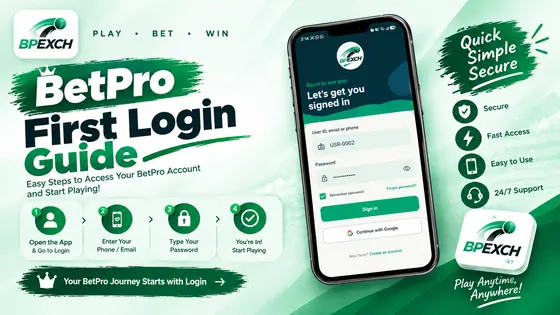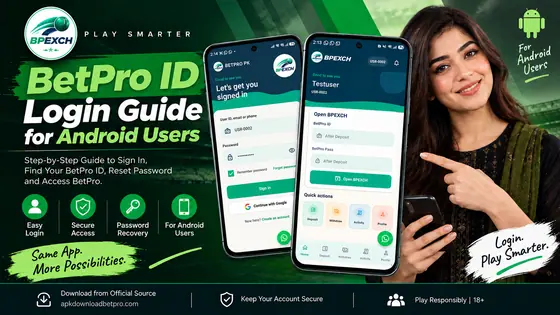
Trying to log in to BetPro but can’t access your account? A login problem can occur for a few reasons, and it doesn’t always mean that there’s a problem with your account. Sometimes the reason can be as simple as an incorrect password, an unstable internet connection, an OTP delay, or a problem with the app or browser.
If you’re experiencing BetPro login not working, the best course of action is to identify the cause before continuously trying to log in. This guide explains the most common BetPro login problems and practical steps to fix them.
Why Is BetPro Login Not Working?
Some of the most common reasons include:
Incorrect BetPro ID, email, phone number, or password
Forgotten or recently changed password
OTP or verification problems
Weak or unstable internet connection
Outdated app version
Browser cache or compatibility issues
Temporary app errors
Incorrect device date and time
Temporary Service Problems
Before making any major changes to your account or device, start with the basic data below.
1. Check Your BetPro Login Details
The first thing to check is what information you put on the login screen. On the BetPro login details page, verify that your user ID, email or phone number are correct. A single incorrect number or character can prevent the login from working.Enter Your Password Carefully
Passwords can be case sensitive. Make sure Caps Lock is not disabled and check if your password contains numbers, capital letters, or special characters.
If you know the password is correct, but the login still fails, skip to the next troubleshooting step instead of re-entering it.
2. Forgot Your BetPro Password?
Forgetting a password is one of the most common reasons why people can’t access an online account.
If you don’t remember your BetPro password, use the Forgot Password or account recovery option on the login page if provided.
Follow the verification instructions and create a new password that you can safely remember.
What If the New Password Still Does Not Work?
When you change your password, be sure to enter the new password, not the old saved password from your browser or device.
You can also:
Close the BetPro login page.
Open it.
Enter your account details manually.
Login again.
Do not share your password with anyone who claims to be able to recover access to your account.
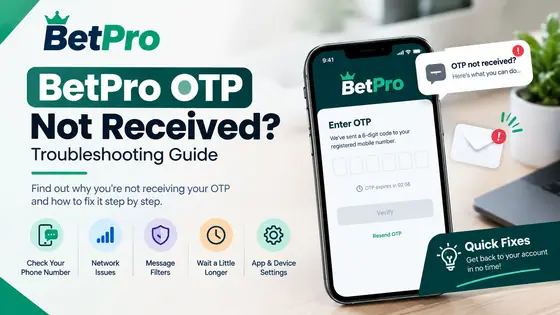
3. BetPro OTP Is Not Arriving
If you need an OTP to restore your login or account, a delayed or missing verification code will prevent you from completing the login process.
There are a few things you can check before requesting multiple new codes.
Check Your Mobile Network
Make sure your phone has a strong mobile signal and can receive normal SMS messages.
If your signal is weak, move to an area with better coverage and try again.
Wait Before Requesting Another Code
Sometimes it takes a little time for the OTP to arrive. If you request several new codes immediately, you may receive multiple messages and the old code may no longer be valid.
When the new code is generated, use the last valid OTP displayed in the current verification process.
Make Sure Your Registered Number Is Correct
If you no longer use the phone number associated with your account, the verification process may require account recovery or assistance through the appropriate support channel.
Never share your OTP with any other person. The verification code should be treated as private account information.
4. Check Your Internet Connection
The login page needs a stable internet connection to communicate with the service properly.
If BetPro isn’t working, the login button isn’t responding, or the page is showing a pop-up message, check your connection first.
Try opening another website on the same device.
If other websites are also slow or unavailable, the problem may be your connection rather than the BetPro login itself.
Try These Simple Fixes
Switch from Wi-Fi to mobile data or vice versa.
Restart your Wi-Fi router if necessary.
Move to an area with a stronger mobile signal.
Close and reopen your browser or app.
Please try again once your connection is established.
A stable connection will also help by having an OTP or verification step
5. BetPro App Login Is Not Working
If you are able to access other websites but the BetPro app is not allowing you to log in, the problem may be related to the app.
Start by fully closing the app and reopening it.
If that doesn’t work, check to see if your device has the necessary app update.
Clear the App Cache on Android
Temporary app files can sometimes cause unexpected issues.
On many Android devices, you can see the cache option as:
Settings → Apps → BetPro → Storage → Clear Cache
The exact name may vary depending on your Android phone.
Clearing the cache is different from clearing the entire app storage. Be careful with Clear Data or Clear Storage, as this can delete locally stored information and you may need to log in again.
6. Check Whether You Are Using an Outdated BetPro App
Outdated applications can sometimes cause compatibility or loading issues, especially after making changes to your Android device or service.
If you suspect that the app needs an update, use the same trusted source that you normally use for the current version.
If your BetPro app needs an update, you can follow our step-by-step guide on How to Update BetPro PK App on Android.
7. Try Logging In Through Another Browser
If you’re accessing BetPro from a web browser and the login page doesn’t work properly, it’s possible that your browser is causing the problem.
A quick way to test this is to open the login page in another supported browser. You can also try private or unknown windows.
Clear Browser Cache and Cookies
If the login works fine in another browser but isn’t your usual one, stored data or cookies may be confusing the page.
Clearing the temporary data in the browser and reopening the login page may help.
You should also check if the browser extension is affecting the page.
8. Check Your Phone's Date and Time
Changing the date and time of your device can sometimes affect the secure connection and authentication process.
If your phone’s clock is too inaccurate, turn on the Date and Time setting and automatically set the date if your device offers that option.
After correcting the settings:
Close the BetPro app or browser.
Open it again.
Enter your login details.
Try the login process again.
9. BetPro Login Works on Another Device
If your account is performing well on one device but not on another, that’s an important sign.
It suggests that the problem may not be account-related but may be related to the device, app, browser, or network.
Compare these two tools:
Internet Connection
App version
Browser type
Android version
Change of date and time
Cached app data
You don’t have to reinstall everything right away. Seeing the difference between a functioning and non-functioning device can help determine the root cause.
10. Is BetPro Temporarily Down?
Sometimes the login problem may not be caused by anything on your part.
If the login suddenly stops working, if the page doesn’t work properly, or if the authentication functions aren’t available, there may be a temporary performance issue.
How Can You Tell?
This is more likely to happen when it comes to temporary work:
Your internet is working fine.
Your login information is correct.
The problem occurs on more than one device or browser.
The app or website frequently malfunctions.
The problem started suddenly without any changes to your account.
In these situations, avoid entering your password multiple times. Wait a few moments and try again later.
If the problem persists, use the appropriate government support channels for account-specific support.
BetPro Login Not Working: Quick Troubleshooting Guide
Step 1: View Your Login Information
Make sure your BetPro ID, email, phone number and password are correct.
Step 2: Check your Internet
Open another website to confirm that your connection is working properly.
Step 3: View OTP
If verification is required, make sure that your registered phone receives notifications and that the most valid OTP can be used.
Step 4: Restart the App or Browser
Shut down BetPro completely and restart it.
Step 5: Check for updates
If you’re using an Android app, make sure you’re using the current version.
Step 6: Try another browser or device
This helps determine if the problem is related to your device or browser.
Step 7: Wait if Performance Problem Appears
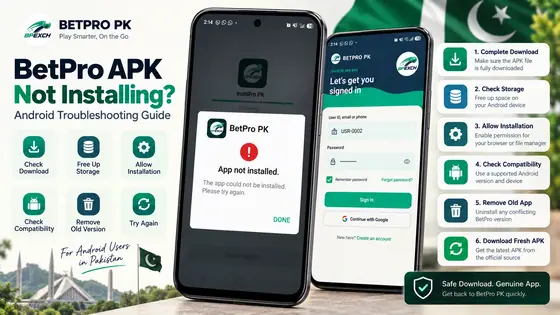
If everything on your side looks normal, the problem may be temporary. If the problem is that the BetPro APK itself is not installing or opening properly, see our BetPro APK Not Installing? Android Troubleshooting Guide for additional troubleshooting steps.
Frequently Asked Questions
Why is my BetPro login not working?
BetPro access may fail due to incorrect account information, password issues, OTP issues, unstable internet connection, outdated app, browser issues, or temporary service issues. Examining these factors one at a time is often the best way to determine the cause.
Why is my BetPro password not working?
Make sure the password is entered correctly and click Caps Lock. If you can’t remember the correct password, use the built-in password-recovery option instead of repeated guesses.
Why is the BetPro app stuck on the login screen?
A weak internet connection, temporary application issues, cached data, or an outdated version can cause the app to stay on the loading screen. First restart the app and check your connection and app version.
Final Thoughts